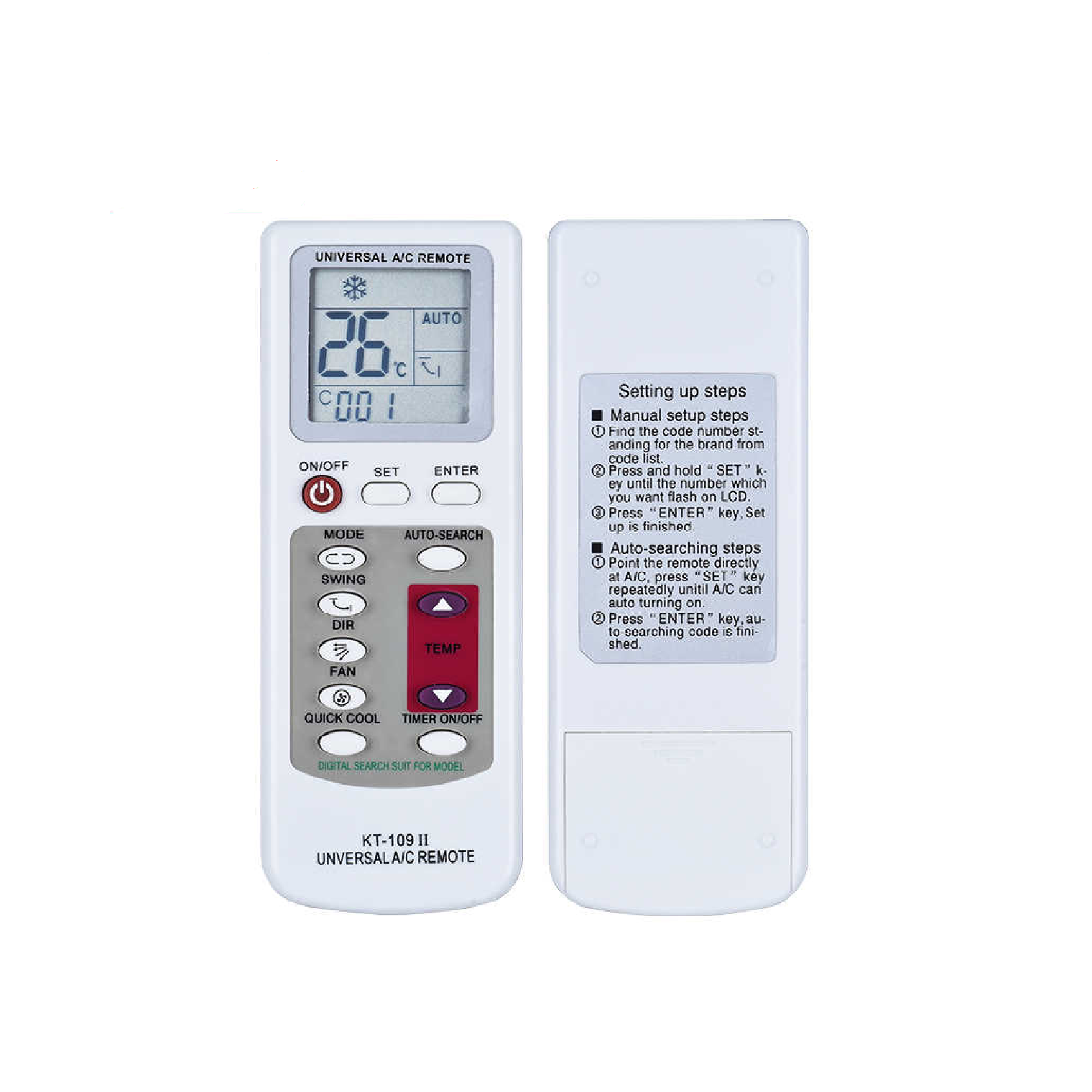
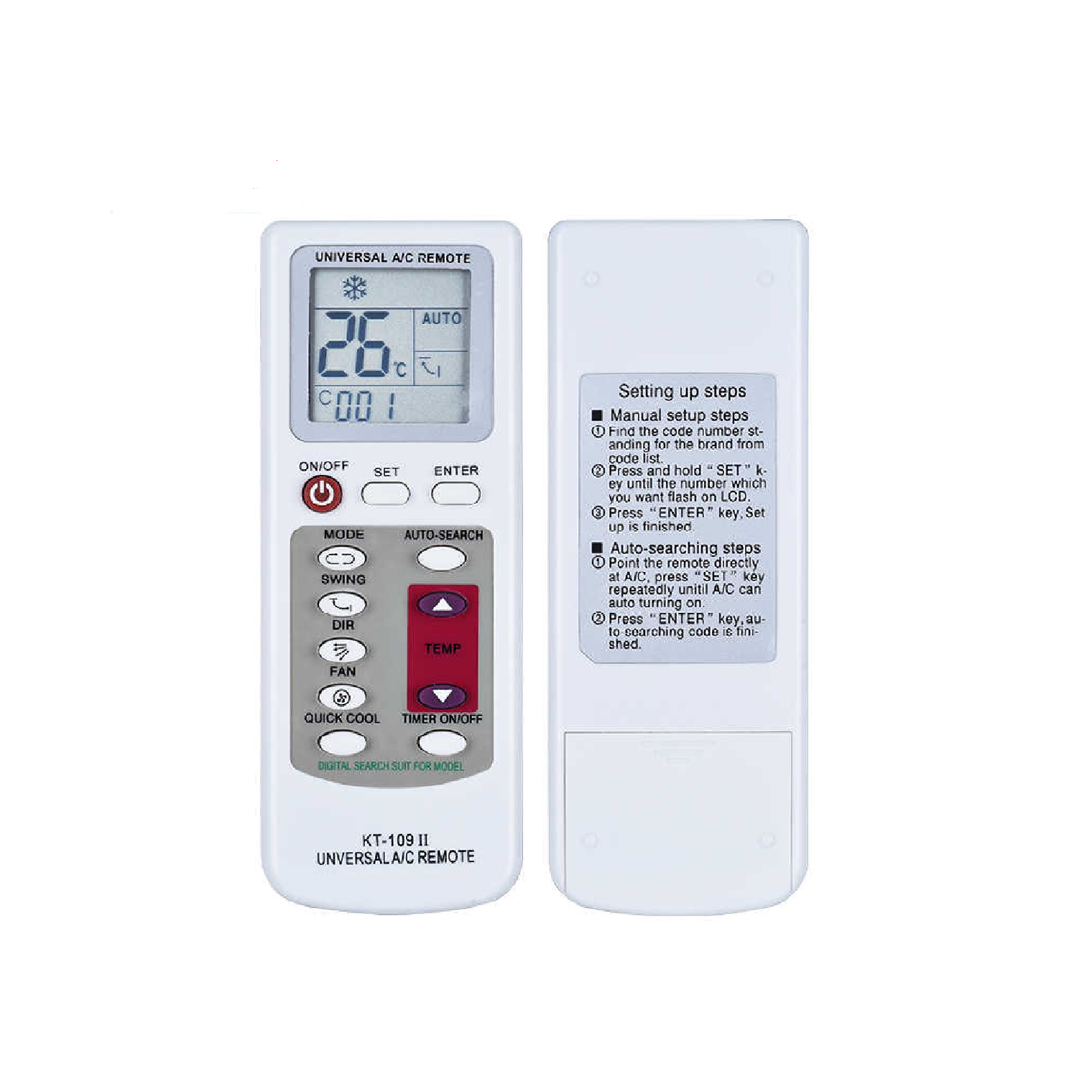
Universal Air Conditioner Remote KT-109 II
Setting up steps
Manual setup steps:
1. Find the code from brand code list.
2. Press “SET” key, brand code on LCD will flash, press “TEMP ” or “TEMP-” until required brand code appears.
3. Press “ENTER” key, setup is finished.
Auto-searching steps:
1. Power on your Air-conditioner by hand.
2. Press and hold “Auto-search” key until the code on LCD flashes.
3. When the air conditioner receives the signal and send a Buzzer, press any key to confirm.
Note
While auto-searching, Remote must aim at A/C, and press any key to confirm as quickly as possible.
Set TIMER on while A/C turns off; set TIMER OFF, while A/C turns on. After timer setting, the launch direction of remote must aim at the receiver of A/C.